In this article
Buyers cannot touch a handmade product online, so your photos do the job of the shop counter. Good images build trust, reduce questions and returns, and help your listing stand out. You can take them with a phone.
Lighting and setup
- Use soft natural light. Shoot next to a window in the morning or late afternoon, and avoid harsh direct sun.
- Turn off mixed lighting. Yellow room lights and daylight together create odd colours.
- Use a simple background. A white sheet, plain wood or neutral cloth keeps attention on the product.
- Steady the phone. A small tripod or a stack of books prevents blur.
- Clean the lens and the product. Fingerprints and dust show up clearly.
The shots every listing needs
- Hero shot: the whole product, centred, on a clean background.
- Detail shots: close-ups of texture, stitching, painting or engraving.
- Scale shot: the product next to your hand or a familiar object so buyers understand its size.
- In-use or styled shot: a mug with chai, a cushion on a sofa, jewellery being worn.
- Packaging shot: show how the item arrives; gift buyers love this.
Editing and consistency
- Edit lightly. Adjust brightness and crop; do not over-saturate, because colour that does not match the real product causes returns.
- Keep a consistent look. Use the same background and lighting across products so your storefront looks professional.
Tips by product type
- Glossy items (ceramics, glass, silver): avoid direct flash and hard reflections. Place a white card opposite the window to soften shadows.
- Textiles: iron or steam first, then show the full piece plus a close-up of the weave or print.
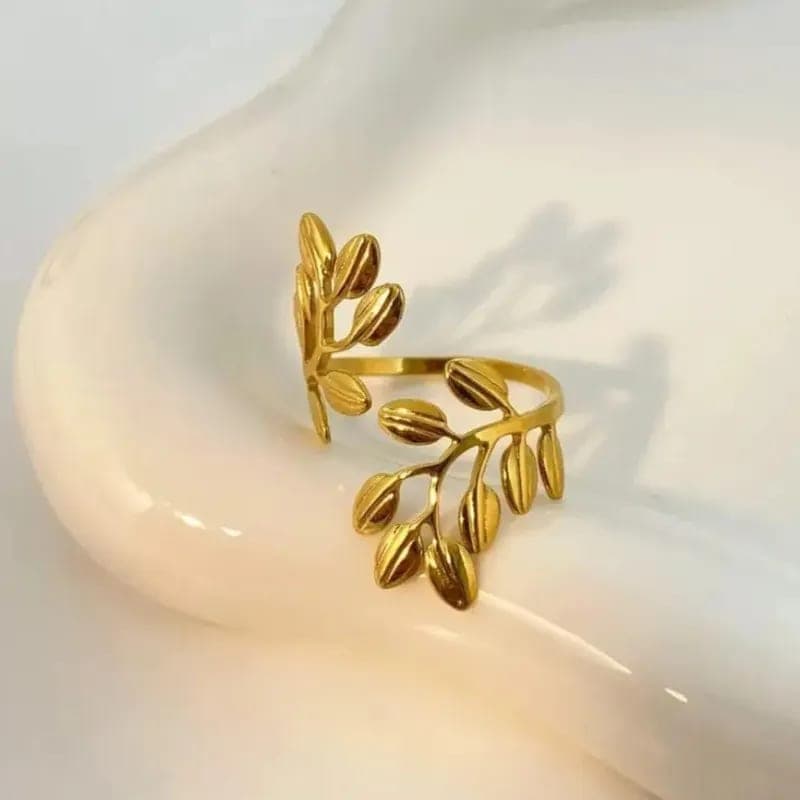
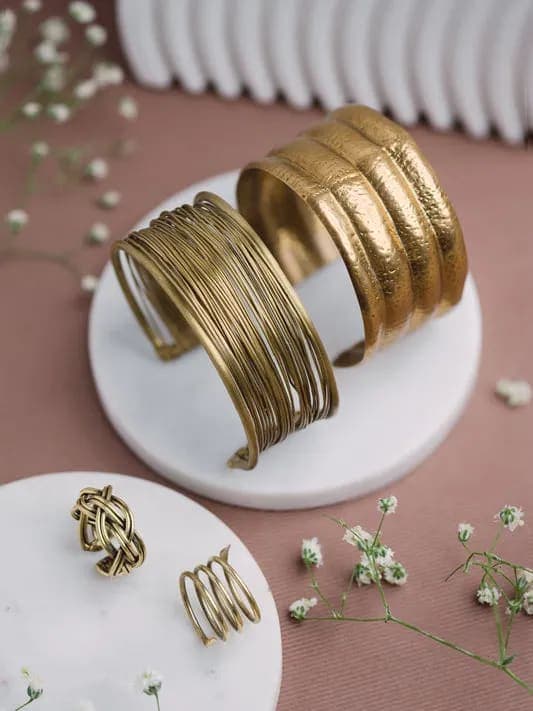
- Jewellery: use a plain, dark or light cloth for contrast, shoot macro details and add one worn shot for scale.
- Candles and food: show the product lit or served if safe, and always include a clear label shot so buyers can read ingredients and weight.
- Personalised items: show a sample with a clearly fake name so buyers see exactly what the engraving or print will look like.
Mistakes that cost sales
- Heavy filters that change the real colour, leading to "not as described" complaints
- Cluttered backgrounds that compete with the product
- Dark, blurry or tilted images
- Only one photo, which leaves buyers guessing about size and detail
Phone settings that help
Turn on the grid lines to keep the product level, tap the product to lock focus and lower the exposure slightly if highlights look washed out. Take more shots than you need, because you can always pick the best three.
Listing photo checklist
- At least 3-5 images per product, with the best one first
- Square or portrait images with the product filling most of the frame
- No watermarks, borders or text covering the product
- Images show the actual item, not stock photos or other people's work
On ItsGivin, we review listings for quality and accuracy, and clear photos of the actual product help yours get approved faster. Pair them with honest titles and details as covered in our complete selling guide.
Ready to sell on ItsGivin?
If you make something by hand, we would like to see it. Apply to sell on ItsGivin: it is free to apply, and our team reviews every application. Questions first? Read the seller FAQ or contact us.
- seller guide
- product photography
- listing tips
- sell on itsgivin
Frequently asked questions
Do I need a professional camera to photograph handmade products?
No. A modern phone, soft natural light, a simple background and a steady hand are enough for good listing photos.
How many photos should each product listing have?
Aim for at least 3-5 images: a hero shot, close-up details, a scale shot, a styled or in-use shot and, if you can, the packaging.